Download the Venmo app
Do business
with Venmo.
Accept cards and Venmo anywhere you do business, including Tap to Pay straight from your phone. No extra hardware needed.
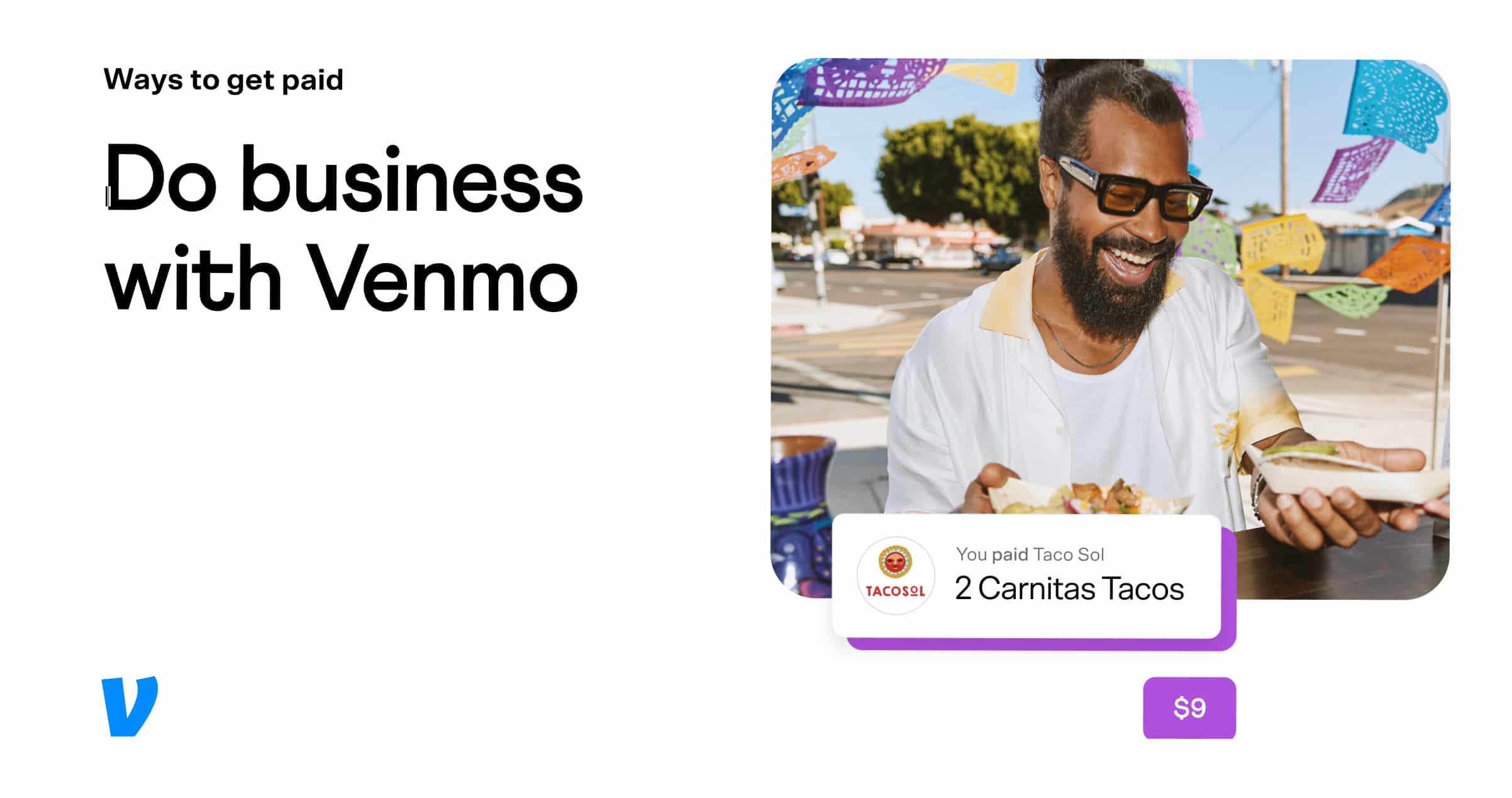
See how Venmo pays off.
With a Venmo business profile, you can get paid your way—cards, wallets, Venmo—and keep business income separate from your personal feed. It’s simple, organized, and professional.
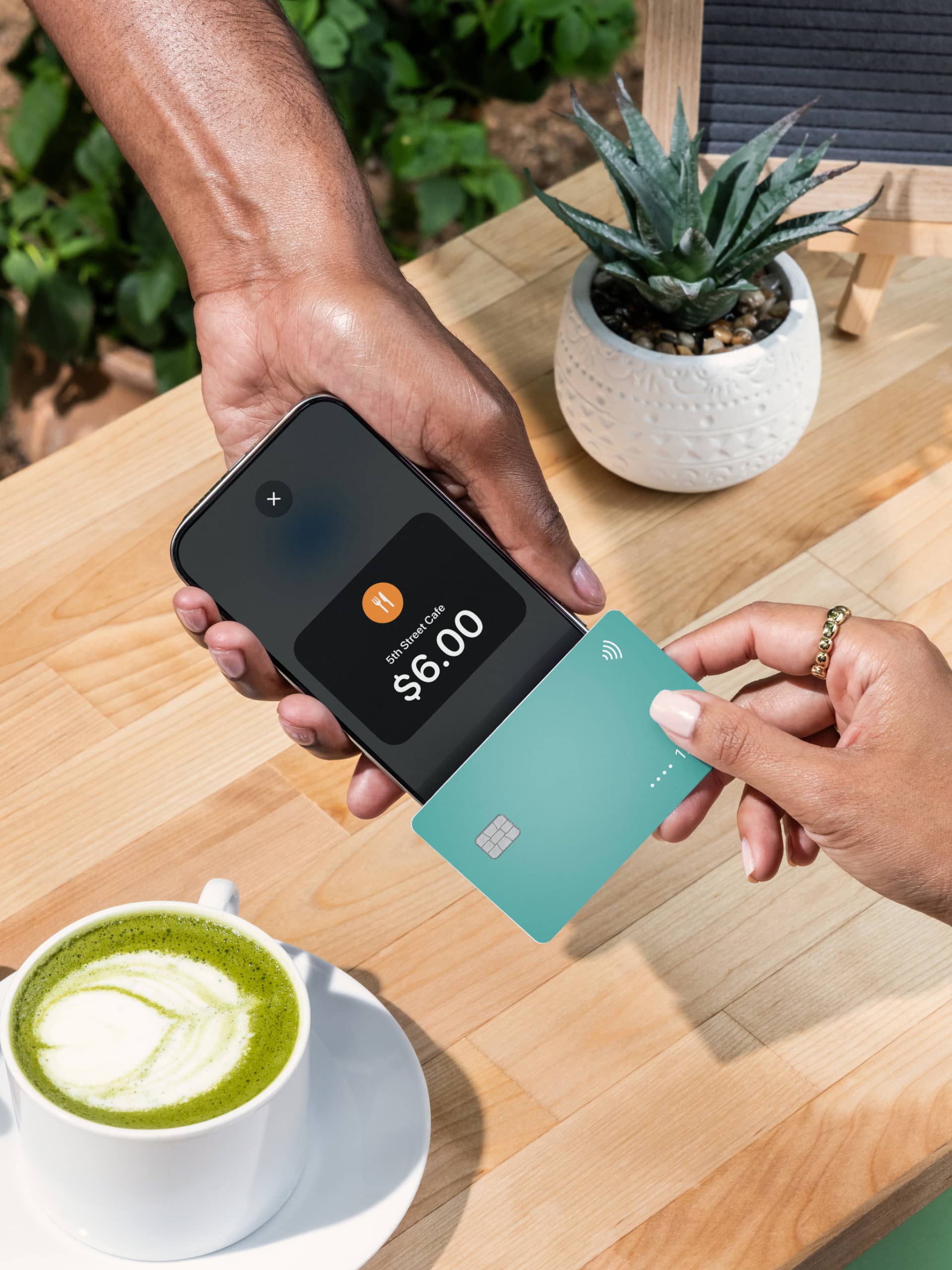
Get Venmo for your business.
Give your customers a way to pay that they know and trust.
Scan to download the Venmo app

FAQ
There are no monthly or setup fees for a Venmo business profile. You pay a low, standard fee for payments you receive from customers. The rate is 1.9% + $0.10 of the payment for direct and QRC payments and 2.9% + $0.09 for Tap to Pay transactions. Fees are in line with industry standards and are non-refundable.
Yes, you can. Venmo offers business profiles that are designed for a range of businesses, including sole proprietors, casual sellers, and small businesses. It’s a great way to accept payments from customers, keep your business and personal transactions separate, and connect with a community that already loves using Venmo.
A Venmo business profile is a tool that links to your personal Venmo account, allowing you to accept payments for goods and services. When a customer pays your business profile, the money lands in your Venmo balance, just like a personal payment. It provides you with business-specific features like Tap to Pay capabilities, enhanced payment tracking, visibility in the Venmo app, and a professional way to manage your sales.
Paying your favorite businesses with Venmo is designed to be quick and easy. You have a few options depending on where you are shopping:
- In Stores: Look for the Venmo QR code at checkout. Simply open your Venmo app, tap the "Scan" button, and scan the code to complete your payment.
- Online: When shopping on your phone or computer, select the Venmo button as your payment option at checkout. You'll be prompted to log in to your account to approve the purchase.
- With the Venmo Debit Card: You can use your Venmo Debit Card everywhere Mastercard® is accepted around the globe—both online and in stores.
You can pay anyone on Venmo, from your friends and family to your favorite local businesses. All you need is their Venmo username, or the phone number or email associated with their account. You can also pay thousands of brands that accept Venmo for online checkout or in-store purchases.
When you pay a business using your Venmo balance, linked bank account, debit card, or credit card, there is no fee charged to you for the transaction.
Yes, you can. To pay at stores with Venmo, look for the Venmo QR code at checkout. Just scan it with your phone’s camera or the scanner in the Venmo app to pay. You can also use your Venmo Debit Card in stores where Mastercard® is accepted.