*Transfers are reviewed which may result in delays or funds being frozen or removed from your Venmo account.
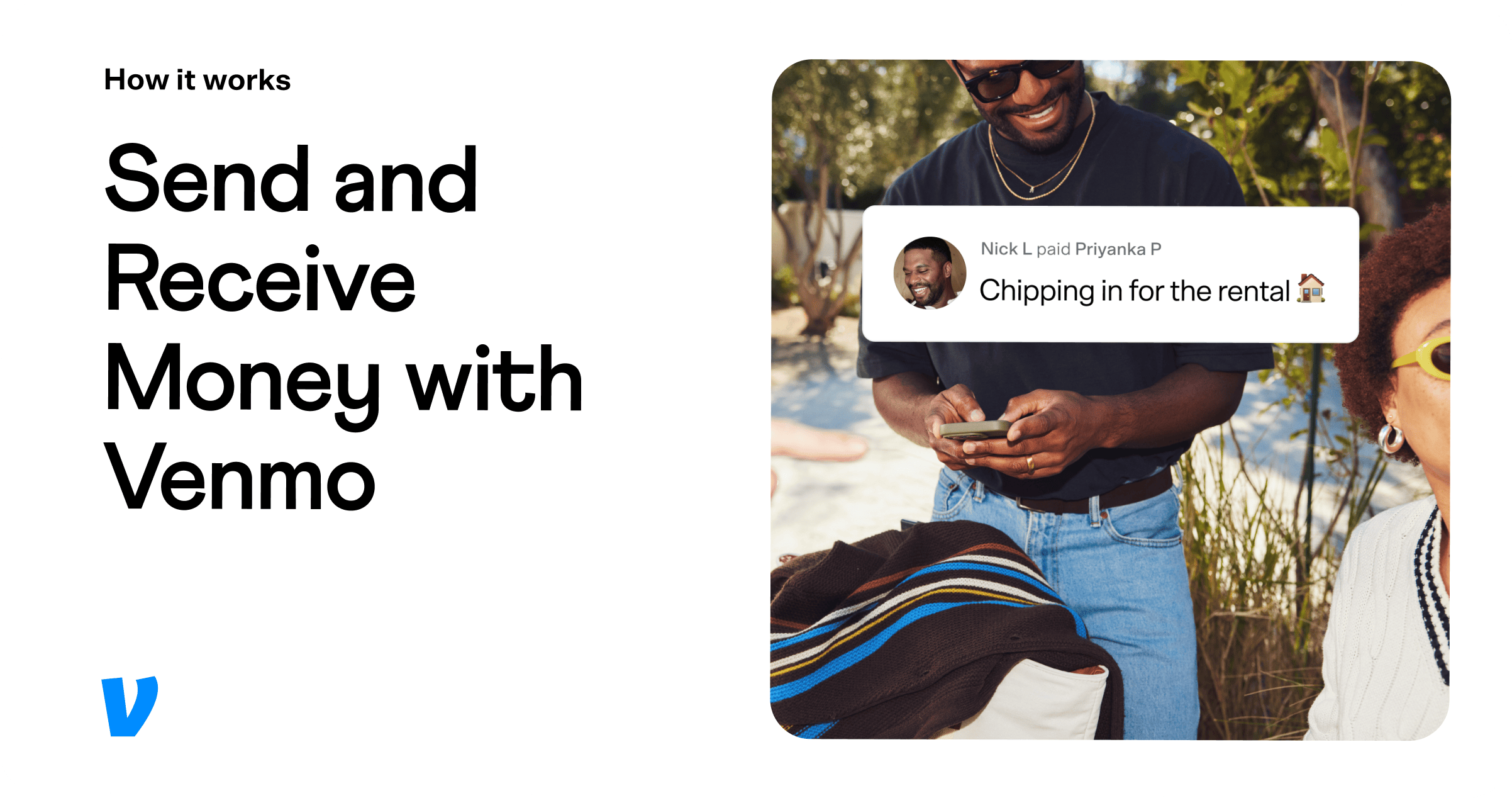
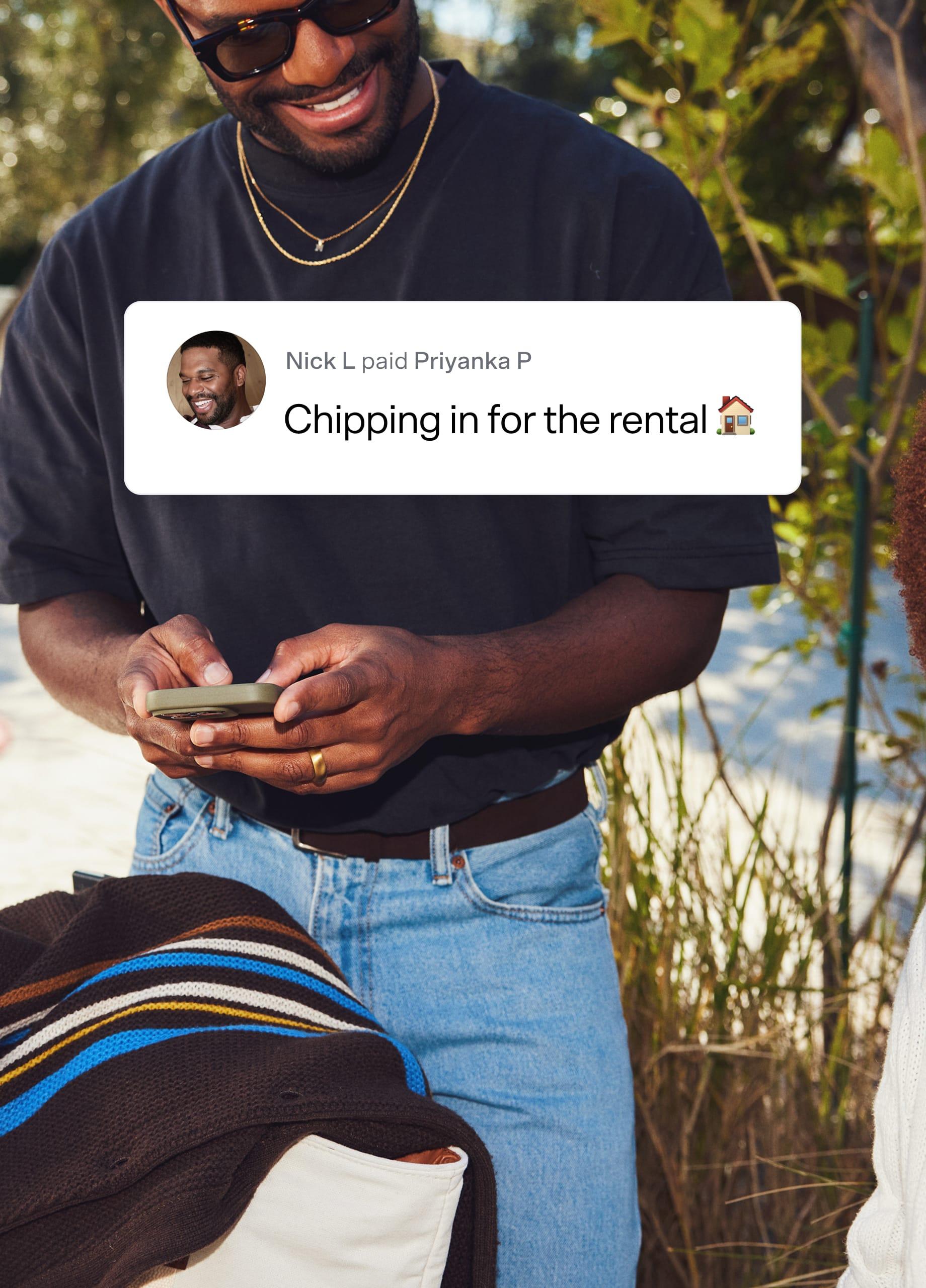
Just say “Venmo me.”
Settling up feels like catching up when you send a payment with Venmo, where the good times continue right into your feed.
Scan to download the Venmo app

Your money, your way.
Venmo is more than just a way to pay. It lets you split bills, keep track of expenses, send gifts, and more. You can even express yourself with custom payment notes and emojis. Go all out or keep it simple – it's up to you.
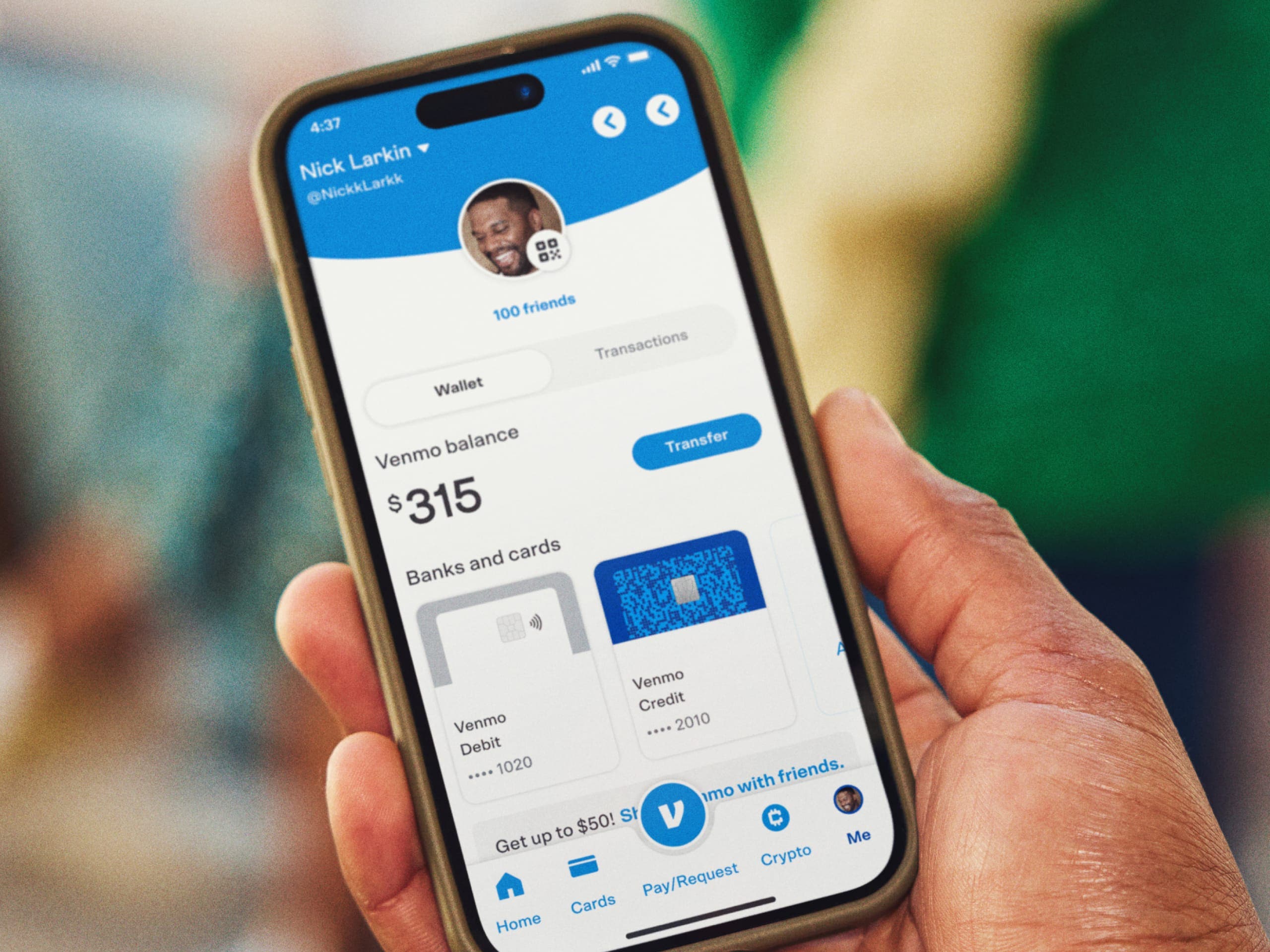
Manage money.
Move money between Venmo and your bank account, so your cash is exactly where you want it, quickly and easily.
Get paid early.
Have paychecks sent right to your Venmo account, up to two days early, with Direct Deposit.1

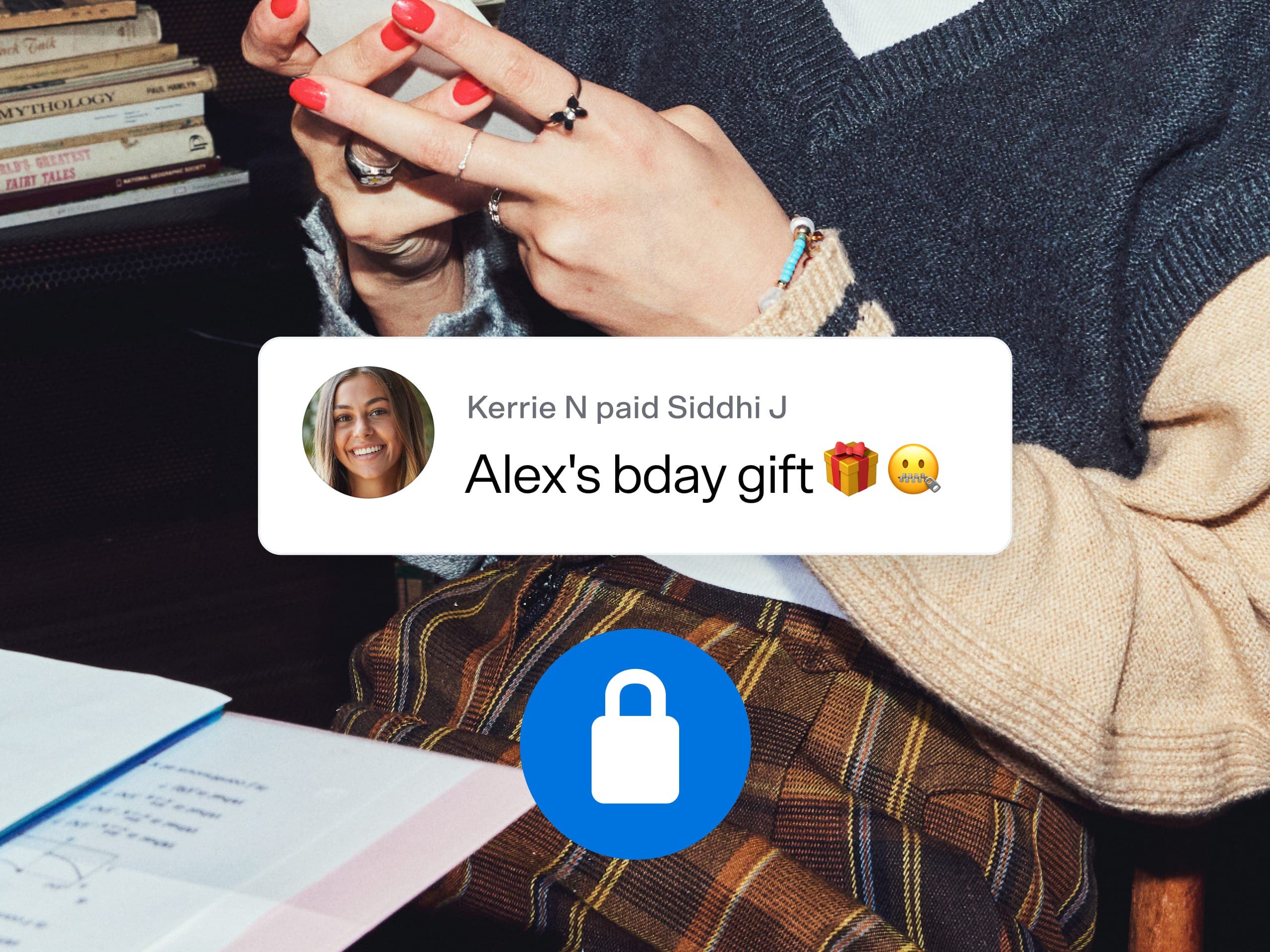
Customize privacy settings.
Select “friends,” “public,” or “private” to share any payment with others on Venmo or keep it to yourself.
No hidden fees.
It’s free to send and receive money using what’s in your Venmo account or bank account.
$0 to sign up
$0 to send money*
$0 monthly fee
*Venmo does not charge for sending money from a linked bank account, debit card, or your Venmo account. There is a 3% fee for sending money using a linked credit card.

Split group payments in one app.
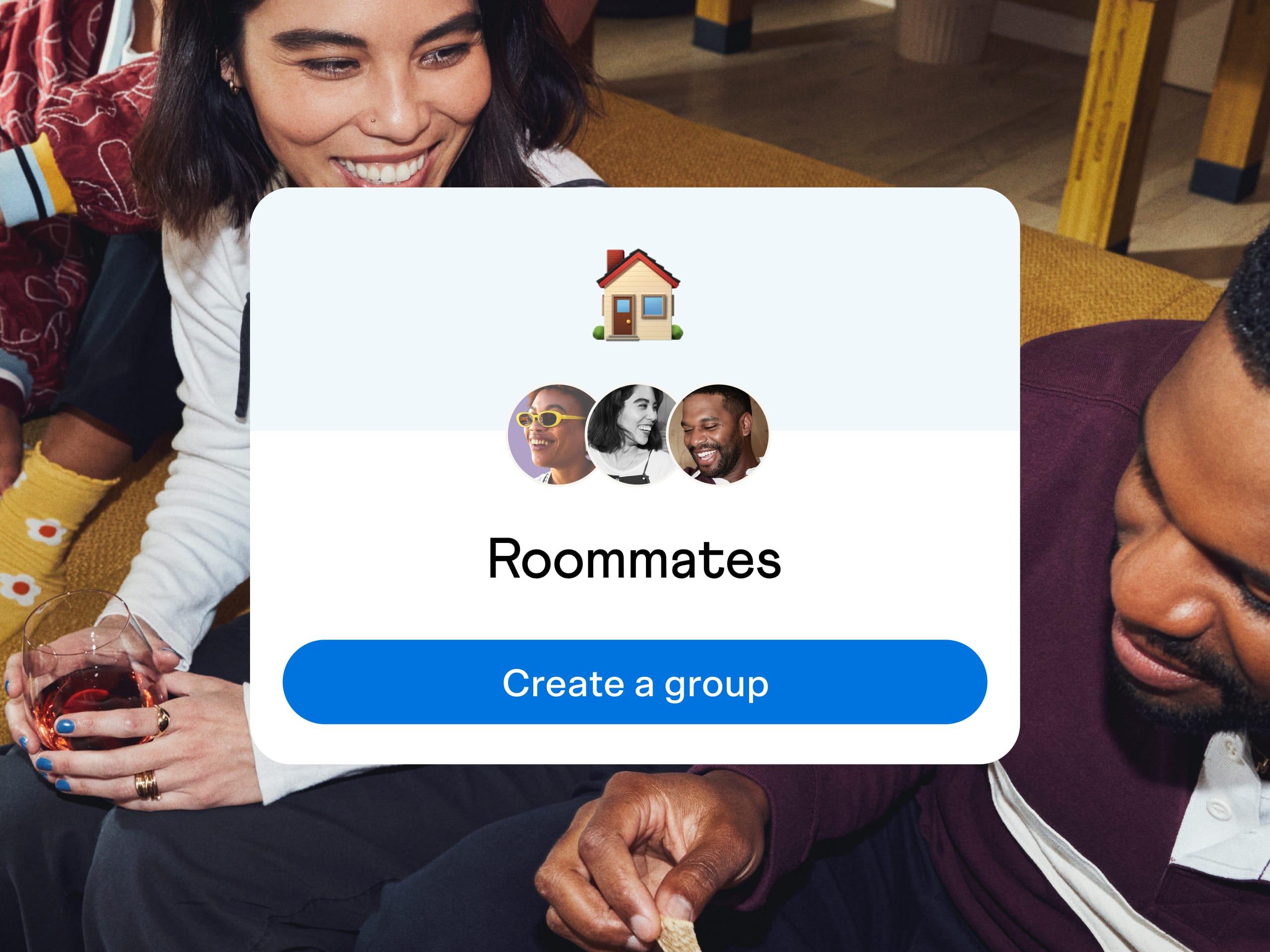
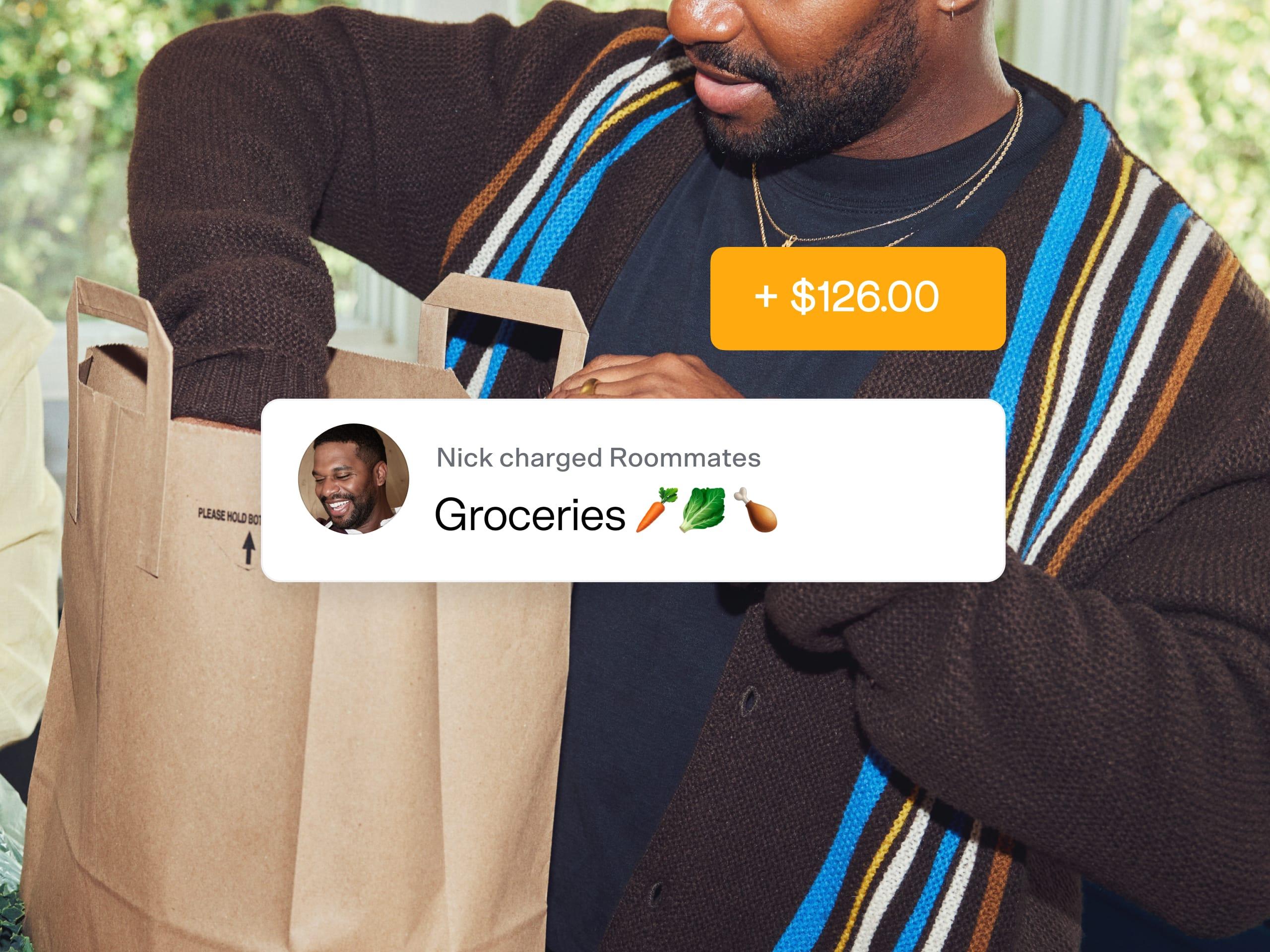
Tired of switching apps and juggling spreadsheets? Venmo Groups lets you settle household expenses, getaways with friends, and more, all in one place. Now there’s an easy way to keep track of costs and focus on the moment – not everyone’s share.
How it works.

01
Tap Create a Group on the Me tab or get invited to one in the app.
02
Add expenses as they occur and adjust each member's share.
03
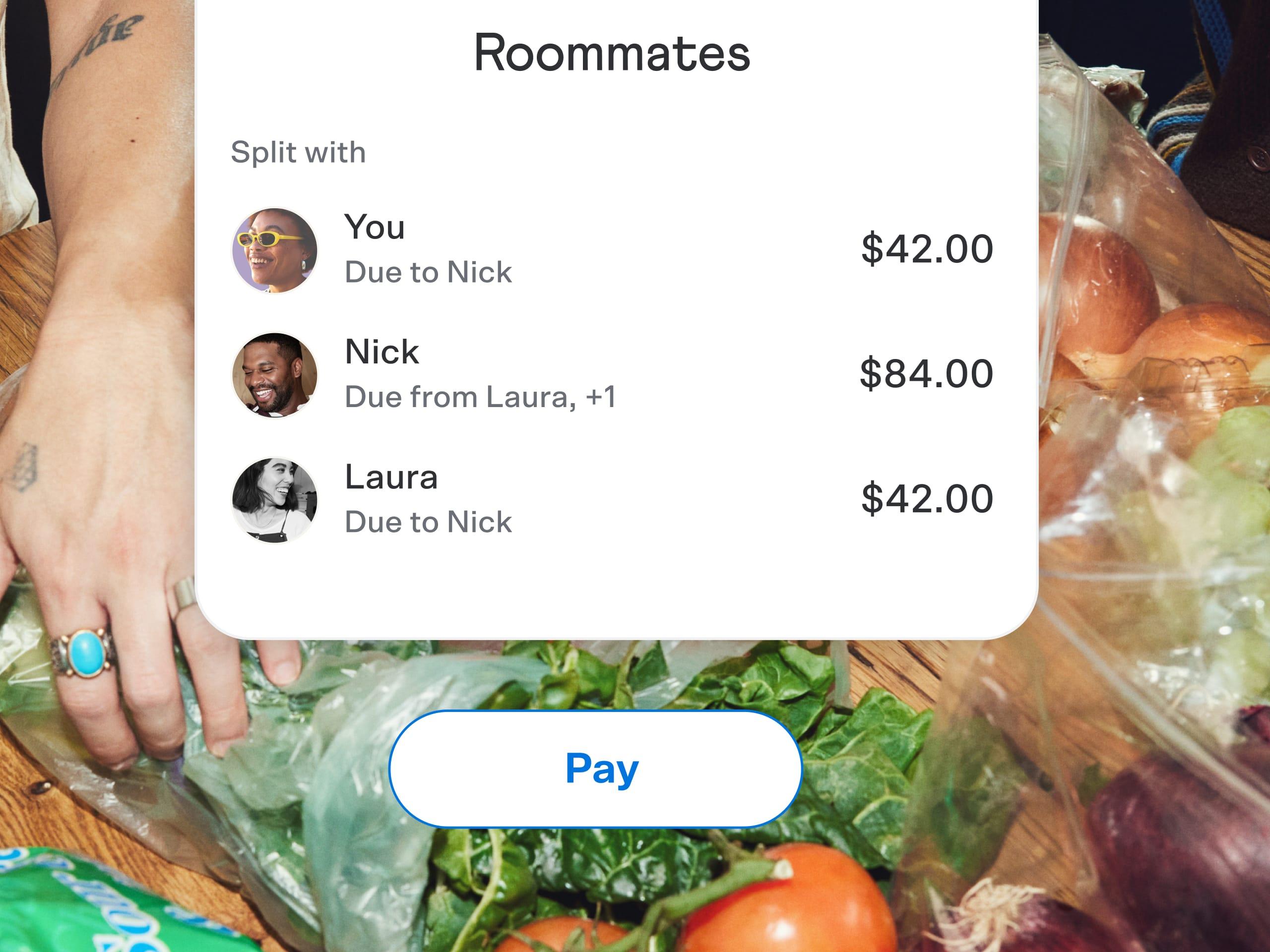
Tap Pay or Request when it’s time to square up. We’ll take care of the math so everyone pays exactly what's due.
Get support.
Learn more about creating a group and sharing expenses.
Do more with Venmo.
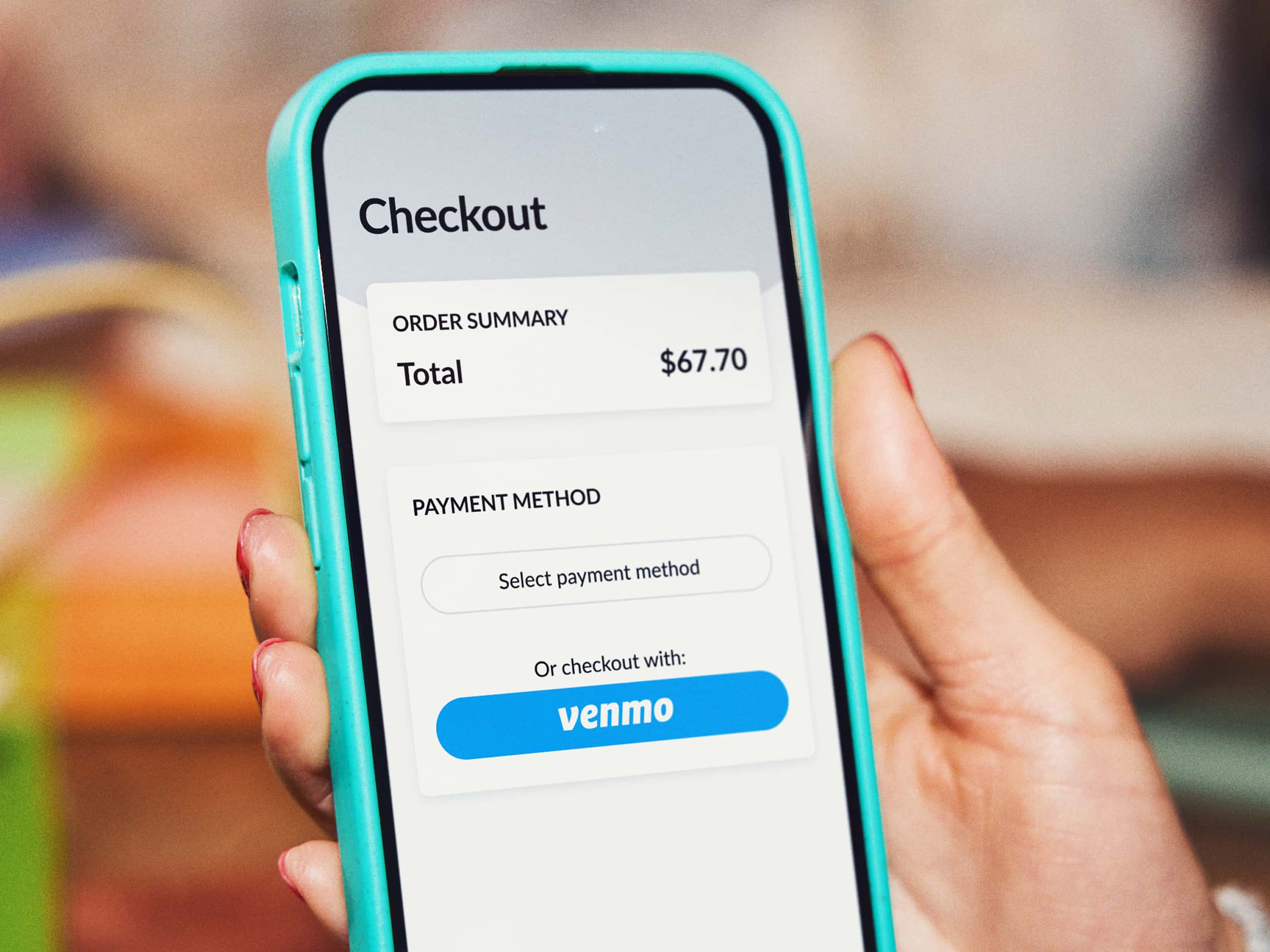
Pay in apps & online.
Check out with Venmo, then share your finds with friends.
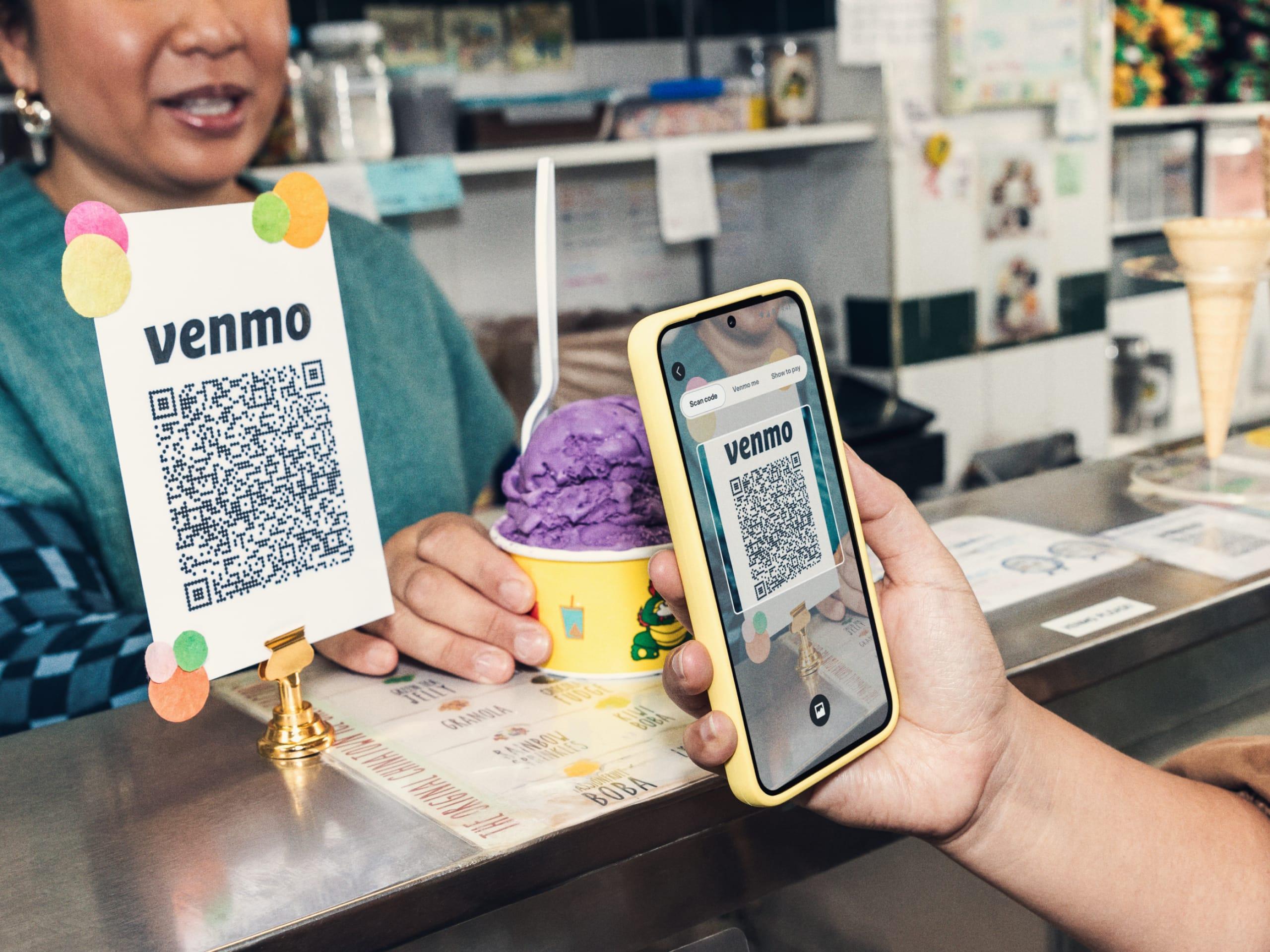
Shop local.
Pay local businesses the same way you pay your Venmo friends.
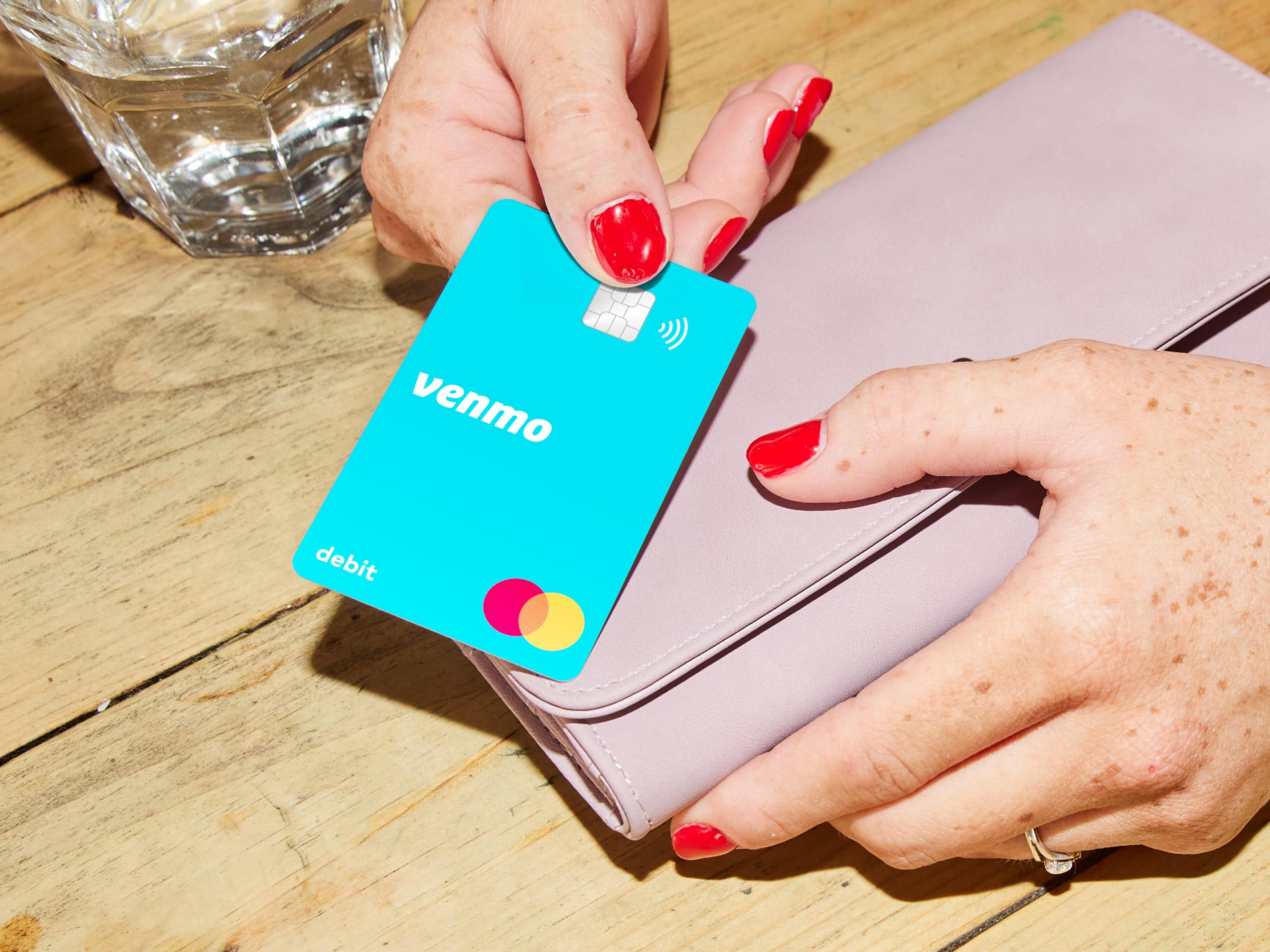
Venmo Debit Card.
Spend your Venmo balance anywhere Mastercard® is accepted around the globe.2
Get the
Venmo app.
Scan to download the Venmo app
FAQ
It's possible to have paychecks and other payments sent directly to your Venmo account with Direct Deposit. To set it up, you can find your Venmo account and routing number in the Venmo app. Some employers may allow you to get paid up to two days early¹ with Direct Deposit.
Sending money using your available Venmo funds, a linked bank account, or a debit card is free of charge. However, a 3% fee is applied when you send money using a linked credit card. There is no monthly fee, and no cost to sign up for Venmo. Find more information on Venmo Fees here.
Yes, you have control over the privacy of each payment. You can set your payments to "public," "friends," or "private." This allows you to choose whether to share your transaction with everyone on Venmo, just your friends, or keep it completely private. Payments will always default to the most restrictive privacy settings between payment partners
Venmo Groups simplifies splitting expenses for shared activities like household bills or trips with friends. You can create a group within the app, add expenses as they come up, and adjust each person's share. When you're ready to settle up, Venmo handles the calculations to ensure everyone pays the correct amount.